







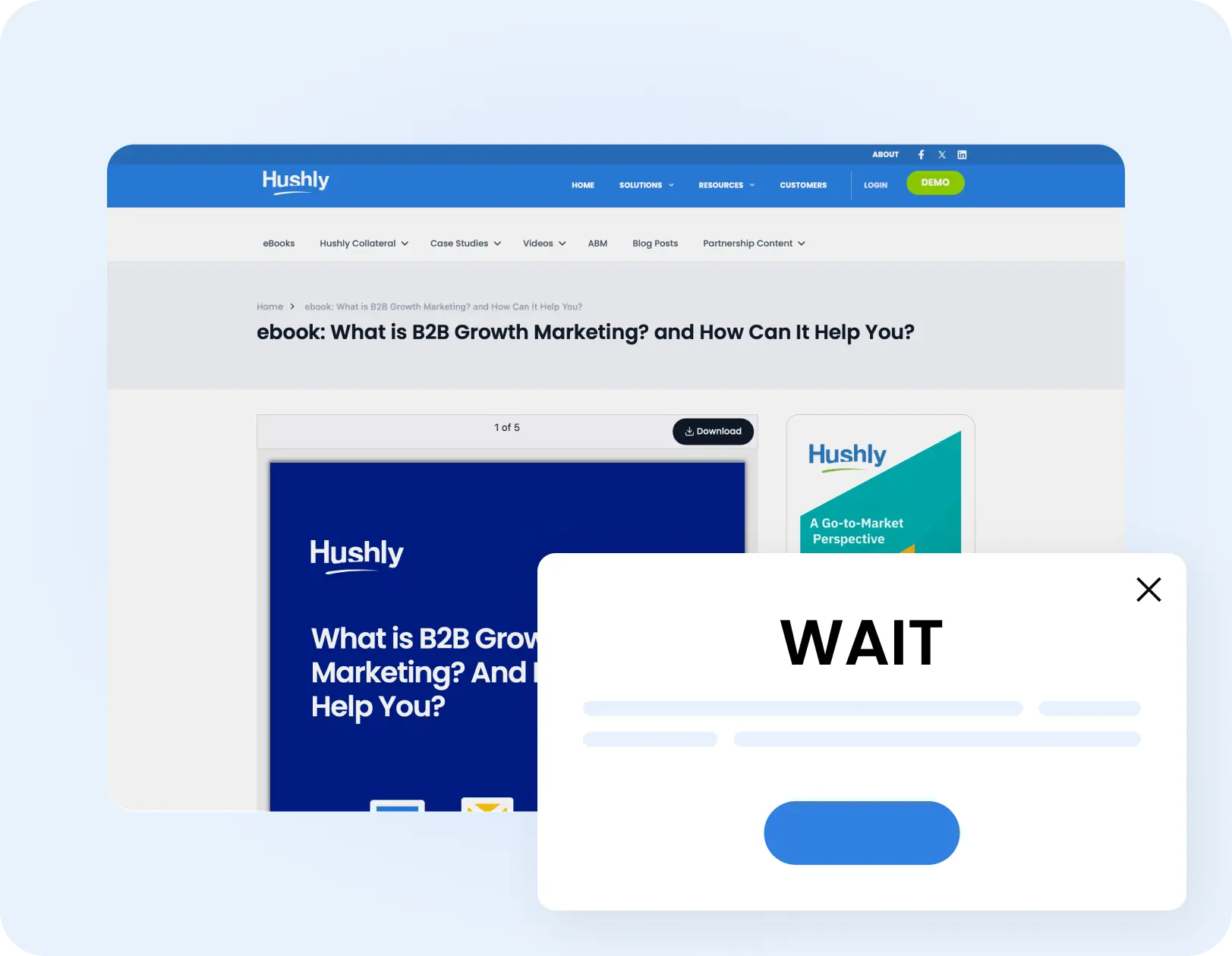
Step 1: Select
Pick the components of your existing landing page to personalize
-
 Headlines and subheadlines
-
Body copy and value messaging
-
Call-to-action text
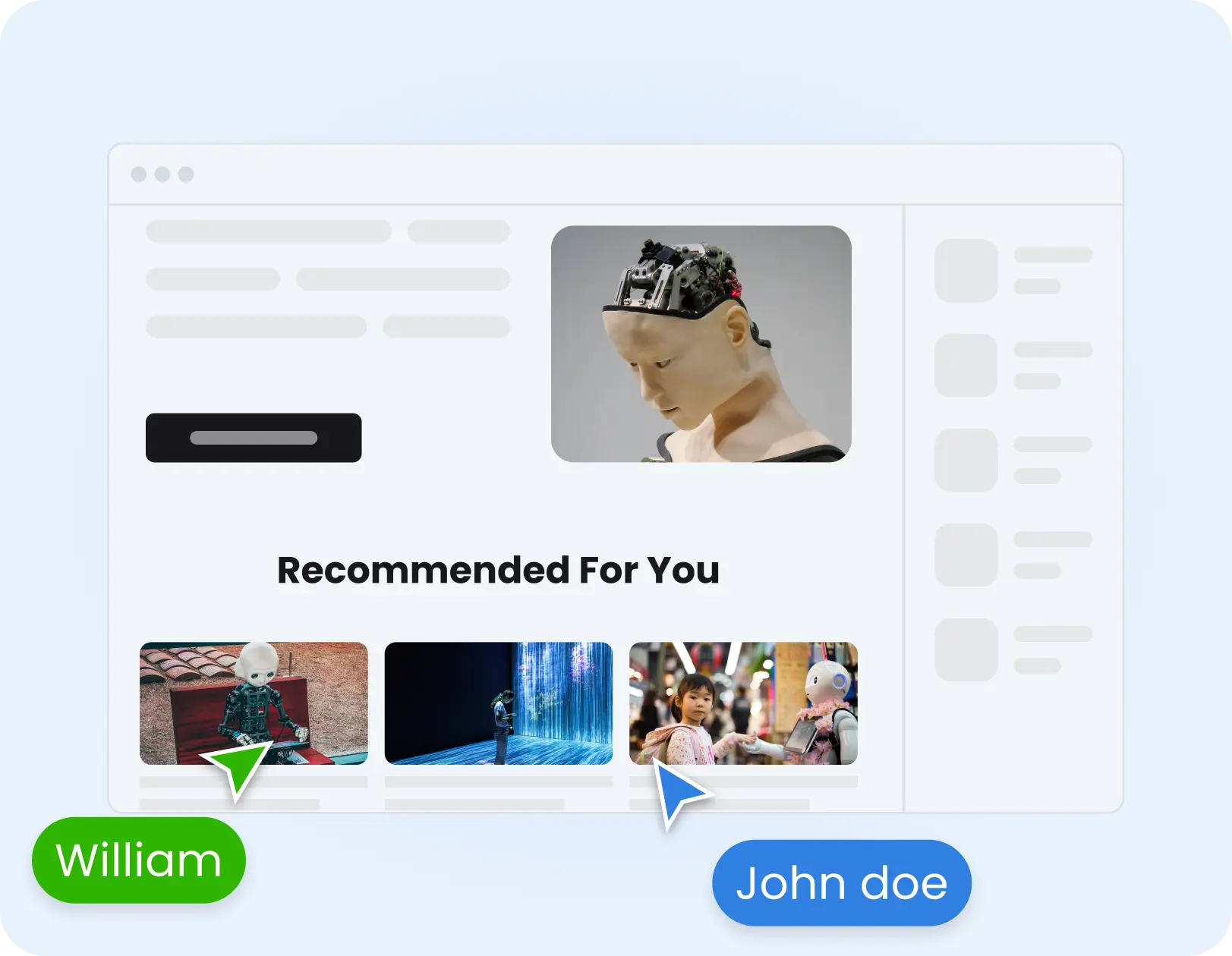
Step 2: Aim
-
Single target accounts
-
Account lists you upload
-
Each account gets its own unique URL parameter
Define target accounts you're personalizing for
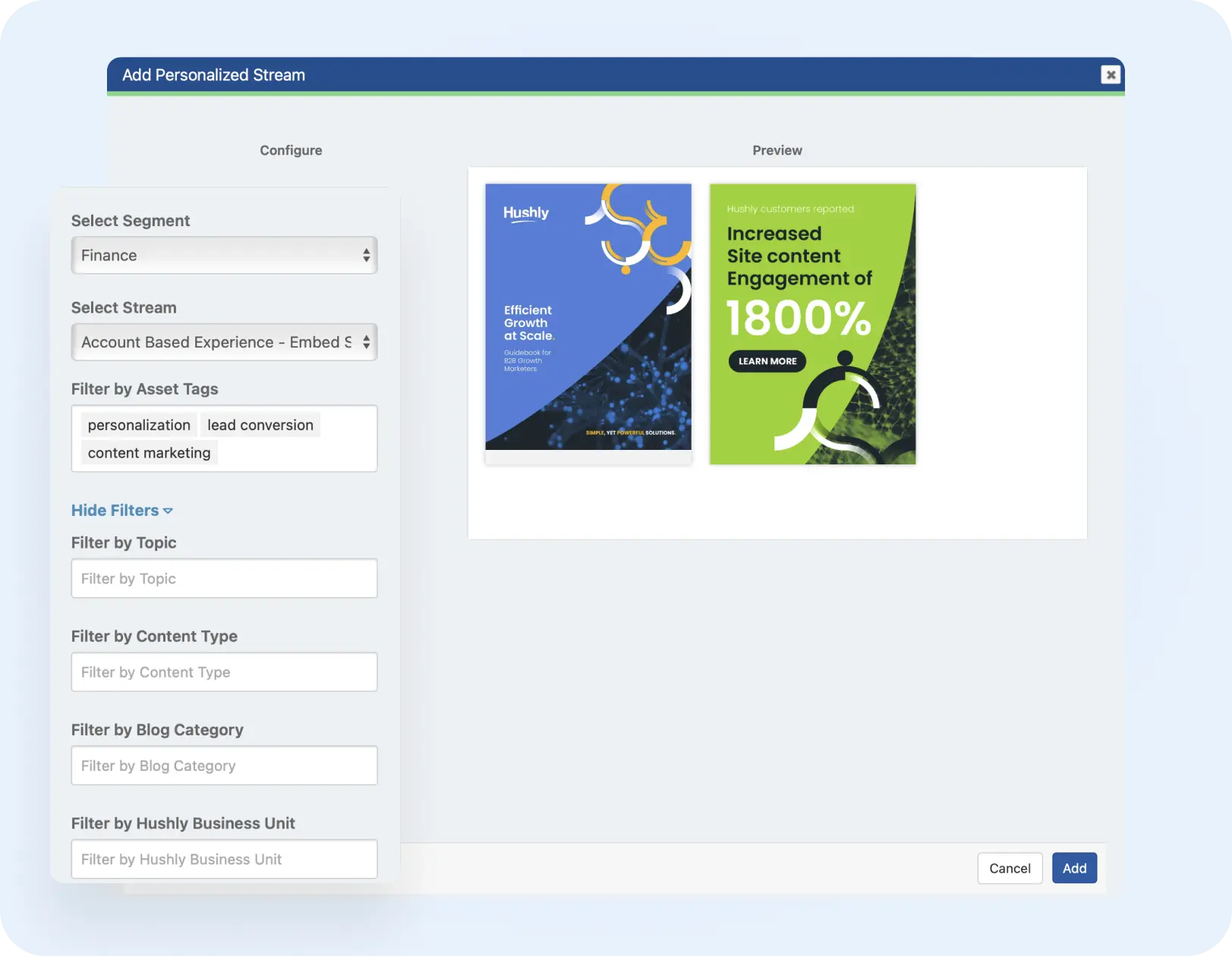
Step 3: Tailor
Use Gen-AI or variables to personalize each component based on each target account
-
Autogenerate copy with Gen-AI for each target account
-
Insert dynamic variables like company name
-
Manually fine-tune content if preferred
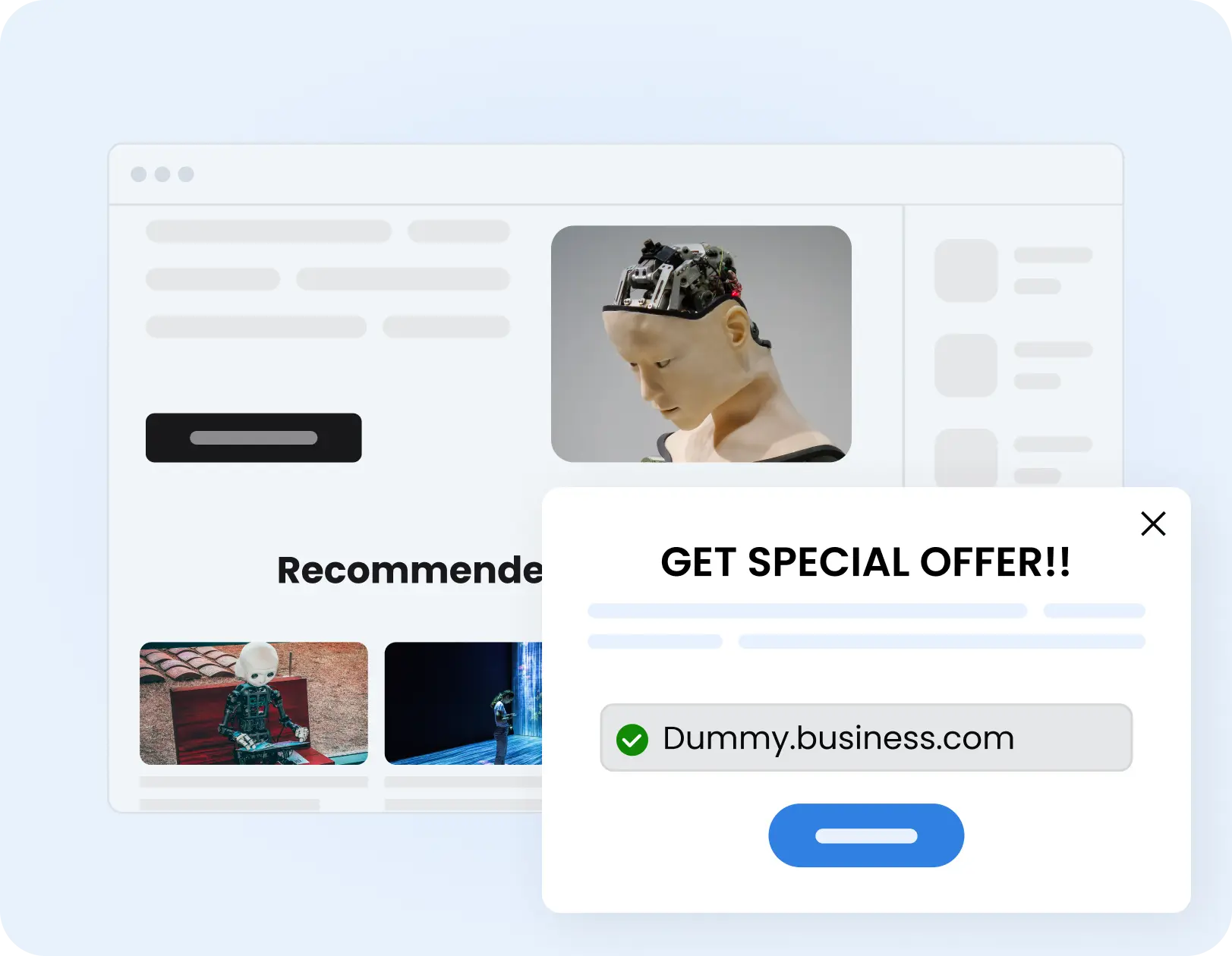
Step 4: Activate
Generate infinite personalized pages — each with a unique URL
-
Generate unique URLs for each target audience
-
Use unique links in ads, emails, or outbound outreach
-
Track engagement and performance by target account
Step 1: Select
Pick the components of your existing landing page to personalize
-
Headlines and subheadlines
-
Body copy and value messaging
-
Call-to-action text
Step 2: Aim
-
Single target accounts
-
Account lists you upload
-
Each account gets its own unique URL parameter
Define target accounts you're personalizing for
Step 3: Tailor
Use Gen-AI or variables to personalize each component based on each target account
-
Autogenerate copy with Gen-AI for each target account
-
Insert dynamic variables like company name
-
Manually fine-tune content if preferred
Step 4: Activate
Generate infinite personalized pages — each with a unique URL
-
Generate unique URLs for each target audience
-
Use unique links in ads, emails, or outbound outreach
-
Track engagement and performance by target account